
 Phone app + readers
PayAnywhere
North's mobile payments app for iPhone and Android. Tap to Pay on iPhone takes contactless cards with no hardware at all. Bluetooth readers and smart devices cover the rest.
Why we carry it
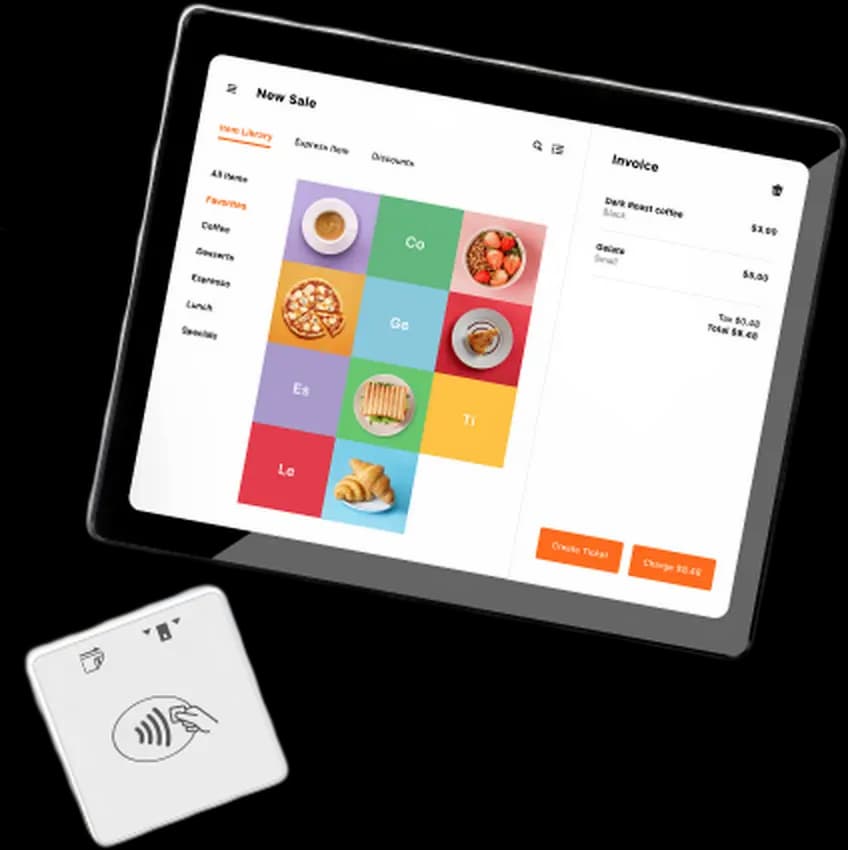
PayAnywhere is the app we set up when the business moves and there is no counter. It runs on the phone already in your pocket. Tap to Pay on iPhone takes contactless cards and phone wallets. That needs no extra hardware at all. A small 3-in-1 Bluetooth reader adds chip insert and swipe when you need them.
It isn't a lightweight toy. The app carries a real item catalog, invoices, card-on-file and recurring billing. Staff get their own logins with set permissions. There is an offline mode too. It holds the sale when the signal dies at the fair. Then it settles up once you are back in coverage.
The famous flat-rate apps differ in what sits underneath. Here you get a full merchant account with rates we bid, not convenience pricing. Same pocket convenience, storefront economics. Behind it sits Payments Hub, the web back office, at no extra cost.
Highlights
- Tap to Pay on iPhone, no reader required
- An item list with add-ons and a stock count
- Employee logins and per-role permissions
- Offline mode for dead-signal venues
- Invoices and recurring billing from the same app
At a glance
- Contractors and field crews who bill on the job
- Farmers market and event vendors
- Anyone who wants off a flat-rate app at real volume
Supported. PayAnywhere can show your fee program right in the payment flow. We check just how it looks, and how receipts read, before you go live.
How dual pricing works →PayAnywhere, answered
Do I really need no hardware at all?
For contactless cards and Apple Pay / Google Pay on an iPhone, correct: Tap to Pay needs nothing. Chip-insert and swiped cards need the small Bluetooth reader, which we include with the account.
What happens when I have no signal?
Offline mode queues the sale and processes it when you reconnect. We walk you through the risk rules so you know exactly which transactions are safe to queue.
Is this the same as Square?
Same convenience, very different math. Square charges flat-rate convenience pricing forever. PayAnywhere runs on a real merchant account with rates we bid. At a few thousand dollars a month, the gap is rent money.
Can my crew take payments on their own phones?
Yes. Each staff member gets their own login and permissions. A tech in the field can charge a card without seeing your reports.
Where do refunds and reports live?
In the app and in Payments Hub, the web portal that comes with the account. Any browser. Full history. Disputes included.
Configured before your first sale.
Tell us how the work moves; we'll match the app, the reader and the rates.