
 Web back office
Payments Hub
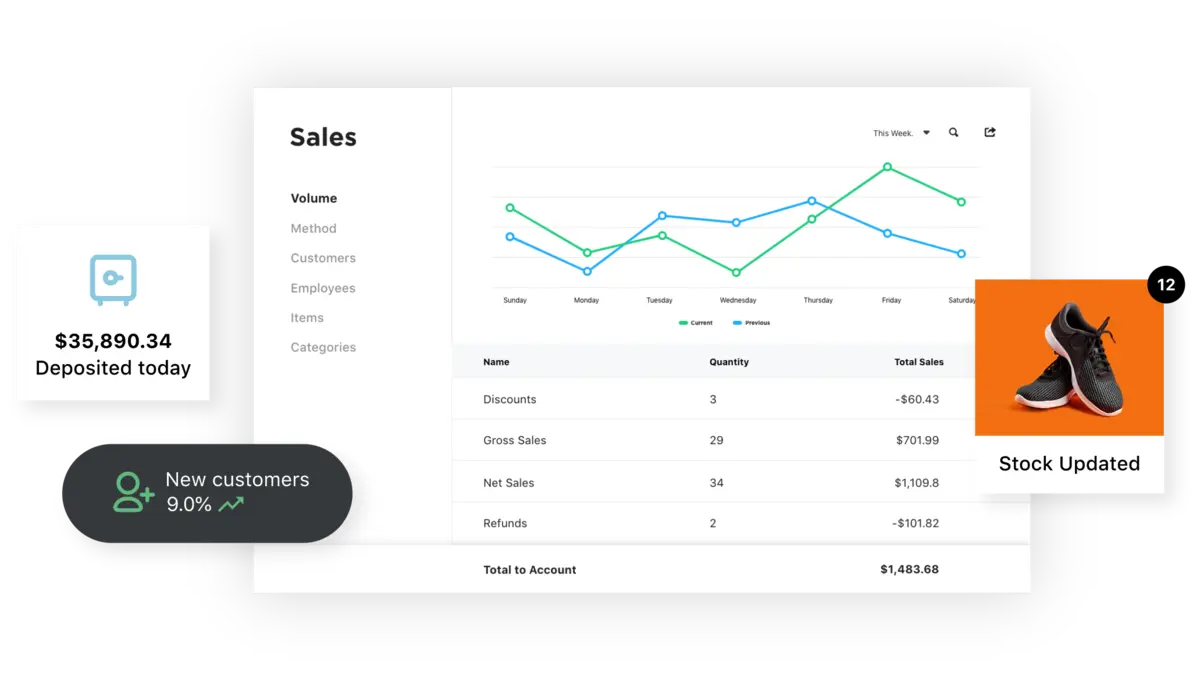
The Payments Hub virtual terminal lets you key in phone orders, send invoices and set up autopay from a web browser. It is the web portal for accounts run through North, once called North American Bancard. Recurring billing, disputes and every sale on the account live there too, behind one login.
Why we carry it
Payments Hub is not something you carry. It's the desk your account sits on. If your processing runs through North, the whole account lives here. Every sale, every deposit, every statement. Search it from any browser. There is nothing to install.
The payment side of it is card-not-present. The virtual terminal keys in phone and mail orders. Invoices go out with autopay on them. Set schedules bill your repeat clients. Card-on-file keeps retainer customers one click from paid. For an office that bills by invoice, this is the real product.
We set it up as part of the account. We map your users and what each one may see. Then we set up the virtual terminal for keyed rates. Address verification stays on. That way keyed orders cost as little as the networks allow.
Highlights
- Key in phone orders from any computer
- Send an invoice they can pay online, or set up autopay
- Bill repeat clients on a set schedule, no new software
- Dispute responses in the same portal
- Look up any sale or deposit on the account
At a glance
- Offices that bill by invoice
- Businesses taking orders by phone or mail
- Anyone on a North-attached account
Keyed and invoiced sales follow the program rules we set on the account. We check how it shows up and how receipts read for your setup. That includes where a program should not apply at all.
How dual pricing works →Payments Hub, answered
What does Payments Hub cost?
The core portal comes with North-attached accounts. North also sells Premium tiers with extra features. Premium is $14.95/mo and Premium Plus is $29.95/mo. New accounts often get put on a trial of these by default. We go over what your setup really needs. Then we set the plan, and the fee, to match.
Is this a mobile payments app?
No. Payments Hub is web-based and card-not-present. You key in orders, send invoices and set up recurring billing from a browser. To take cards in the field, see our mobile payments lineup.
Can I give my bookkeeper a login that shows less?
Yes. Each staff login has its own permissions. A reports-only login for the bookkeeper takes two minutes to set up.
Why do keyed transactions cost more?
Card networks price risk. A keyed card is riskier than a tapped one. That is true everywhere, on every processor. We turn on address verification. That keeps keyed cost as low as the networks allow.
Can customers save a card for next time?
Yes. You can save a card and turn on autopay right in an invoice. Great for retainers and clients you bill each month.
Does it replace my accounting software?
No. It's the payments layer. That means sales, invoices, deposits and disputes. Do you need payments to post to QuickBooks on their own? Then look at ProCharge in our mobile payments lineup.
Your back office, configured.
Tell us how you bill; we'll set up the portal, the users and the keyed-rate guardrails.