
Paradise POS
An iPad POS built just for food and drink. It has kitchen screens, bar tabs and liquor tracking. A local backup keeps it running when the internet drops.

Built for bars and sit-down places. Tabs, kitchen screens and a local backup, all on iPads.
Who it's built for
★ best = where we recommend it first for this kind of business.
What it can do
What Paradise POS actually is
Paradise is what happens when a POS company picks one trade and stays in it. Every daily bar and restaurant headache has an answer built for it. Tabs move from the bar to the table. Kitchen screens pace the courses. Ingredient counts flag pour cost creep.
It runs on iPads and keeps a copy of the data on site. If the internet drops, that local copy keeps service going. When the line comes back, it syncs to the cloud. Your staff get hardware they already know, with none of the cloud-only risk.
Support is in-house and runs all night, which matters at 11pm on a Saturday. And we are the layer on top of that. We set it up, train your staff and pick up the phone ourselves.
Compare POS options
- Compare all POS systems
Every system we set up, side by side.
- Ways to lower your processing fees
Pair the right hardware with the right pricing.
- Clover
A close alternative worth a look.
- Get a free statement review
See your real numbers before you decide anything.
What it does well
Bar tab management
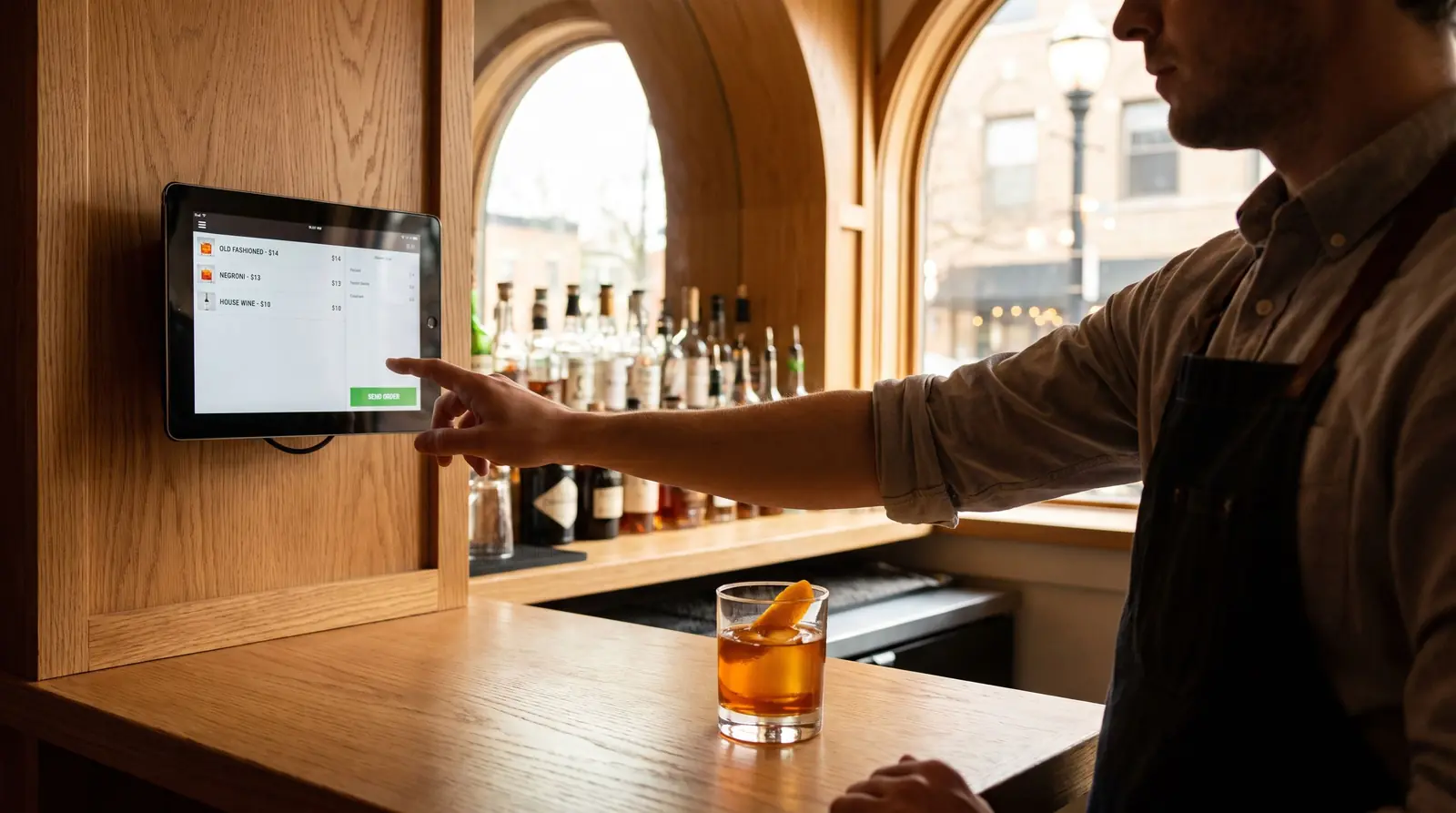
Open, move and split tabs. Bar, tables and patio, without losing a round.
Kitchen display system
Course pacing and routing. No paper tickets.
Liquor and ingredient tracking
Stock counted by the pour. It catches waste and theft.
Hybrid offline mode
Keeps a copy on site so service runs through an outage.
Online ordering and pay-at-table
Take orders direct, with no marketplace cut. Guests pay right at the table.
24/7 in-house support
Real people overnight, and us here in town.
Paradise is built for bars, with fast tabs and a local backup if the internet drops.
We set up the processing around it.
It runs our dual pricing program with both prices on the customer screen. It also works with Factor4 gift cards for your regulars.
The hardware
iPad stations
Counter or server stations on iPads with stands and printers.
Handheld iPads
Tableside ordering and payment.
Kitchen displays
Screens that replace ticket printers in the kitchen.
How businesses run it
The busy bar
Tabs move cleanly between bartenders and servers. Pour tracking keeps the margins whole.
The pizzeria with delivery
Order direct online and the 30% marketplace cut stays in your till.
The food truck
An iPad and a battery printer run the whole window. The local backup covers dead zones.
Best for
- Bars and night clubs
- Sit-down restaurants and pizza shops
- Food trucks
- Liquor-heavy venues
Where it falls short
iPad only, and not built for retail. A shop that sells products, not plates, should look at Korona, Retail Cloud or Clover.
We carry eleven systems. That way we never have to push the wrong one on you.
Paradise POS, answered
Why iPads and not a locked-down till?
Your staff already know how to use them. A spare is one store trip away. And the local copy of the data gives them the uptime iPads normally lack.
Does it handle tips and tip pooling correctly?
Yes. Tips by server, pooling rules, and reports that keep payroll clean.
Do I have to use DoorDash for online orders?
No. You take orders under your own name, sent straight to the kitchen. No marketplace cut.
What happens when the internet drops mid-rush?
Service keeps going from the copy on site. Orders, tickets and card swipes all keep moving. It syncs once the line is back.
Why is it good for liquor-heavy venues?
It counts liquor by the ounce and checks that against what was rung up. So overpours, comps and shrink show up in a report. They do not just vanish. For a busy bar that is often thousands a month found.
Can it run a food truck?
Yes. An iPad and a battery printer run the whole window. The local backup covers a parking lot with bad signal.
Not sure Paradise POS is the one?
Tell us what your business does. We'll match the system, even when the answer is a cheaper one.